

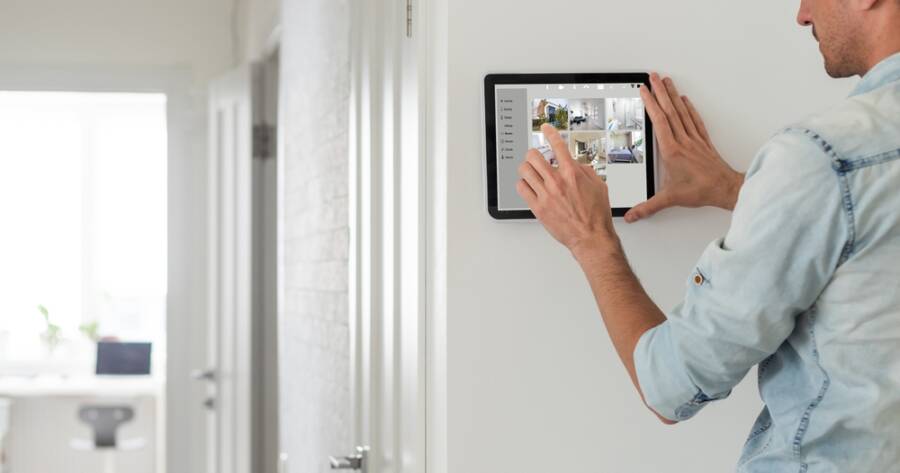
Smart home security is no longer limited to large houses or complex wiring projects. Nowadays, homeowners and renters across the United States can build a reliable security system using wireless devices and mobile apps. The key is not buying every gadget available, but choosing the right equipment and placing it where it matters most. With a clear plan and the right setup, you can create a system that protects your home while staying simple to manage.
Start With A Clear Security Plan
Before buying anything, walk through your home and look at it from a security point of view. Identify all entry points, including front and back doors, ground-level windows, garage doors, and sliding doors. Think about areas that are hidden from street view, since these may be more likely to attract unwanted attention.
Decide what you want your system to do. Some people only want alerts on their phone. Others prefer loud alarms and professional monitoring. You may also want indoor cameras to check on pets or deliveries. Writing down your goals helps you avoid buying devices you do not need and keeps your system focused on real risks.
Choose A Smart Security Hub Or Monitoring System
Most smart security systems are built around a central hub or base station. Brands like Ring Alarm, SimpliSafe, and Google Nest Secure offer starter kits that include a base station, keypad, and a few sensors. The hub connects your devices and allows you to control everything through a mobile app.
When choosing a system, check that it works with your home’s Wi-Fi and smartphone. Look for features like mobile alerts, battery backup, and cellular backup in case your internet goes down. If you want professional monitoring, make sure the company offers that service in your area. Many systems also allow self-monitoring if you prefer to handle alerts on your own.
Install Door And Window Sensors First
Door and window sensors are the foundation of any smart home security system. These small devices attach to the frame and the moving part of a door or window. When the connection is broken, the system sends an alert.
Start by placing sensors on your main entry doors. Then add them to ground-level windows and any door leading to a garage. Most modern sensors are wireless and attach with adhesive strips, which makes installation simple. After placing them, test each one through your app to confirm it sends alerts correctly.
Add Smart Cameras For Visibility
Security cameras give you real-time video and recorded footage. Outdoor cameras should cover your front door, driveway, and backyard. A video doorbell, such as the Ring Video Doorbell or Google Nest Doorbell, allows you to see and speak to visitors from your phone.
Indoor cameras can be useful for entryways, living rooms, or near valuable items. Place cameras high enough to avoid tampering, and angle them toward main traffic areas. Make sure they are connected to a strong Wi-Fi signal. Many cameras offer motion detection zones, which let you control what areas trigger alerts and reduce false alarms.
Strengthen Entry Points With Smart Locks And Lighting
Smart locks add another layer of control. Brands like Schlage Encode and Yale Assure Lock allow you to lock or unlock your door from your phone. You can also create unique entry codes for family members or guests. This removes the need to hide spare keys outside.
Outdoor lighting is just as important as locks. Motion-activated smart lights can deter unwanted visitors by removing dark hiding spots. Place lights near doors, garages, and walkways. Many smart lights connect to the same app as your security system, allowing you to control them together.
Secure Your Network
Your smart home security system depends on your home network. Start by changing the default password on your Wi-Fi router. Use a strong password that includes letters, numbers, and symbols. Enable two-factor authentication on your security app if it is available.
Keep your devices updated. Manufacturers often release updates to fix bugs and improve security. Set reminders to check for updates or enable automatic updates if the option exists. A secure network protects not just your cameras and sensors, but every connected device in your home.
Test And Maintain Your System Regularly
After installation, test your system fully. Open doors and windows to confirm alerts work. Trigger motion sensors and check camera recordings. Make sure you and other household members know how to arm and disarm the system.
Maintenance is simple but important. Replace batteries in sensors and cameras when you receive low-battery alerts. Clean camera lenses to maintain clear video. Review your app settings every few months to ensure notifications are set up the way you want.
Build Smart, Keep It Simple
A smart home security system does not need to be complex to be effective. Start with a clear plan, secure your main entry points, and expand your system step by step.
Focus on reliable devices that meet your specific needs rather than filling your home with unnecessary equipment. With proper setup, strong passwords, and regular testing, you can create a security system that offers peace of mind and easy control from anywhere.